Navigating the skies often involves hours of sitting in a confined space, making high-quality audio a priority for most modern travelers. A common question that arises for tech-savvy passengers is whether they can you use bluetooth headphones on a plane without violating safety regulations. The good news is that in the vast majority of cases, the answer is a resounding yes.
Modern aviation regulations have evolved significantly over the last decade, moving away from the strict “all electronics off” policies of the past. Today, airlines generally permit the use of wireless headphones throughout the duration of your flight, provided you follow standard cabin procedures. Understanding how these devices interact with aircraft systems will help you enjoy your travel experience without unnecessary anxiety.
The Evolution of In-Flight Electronics Regulations
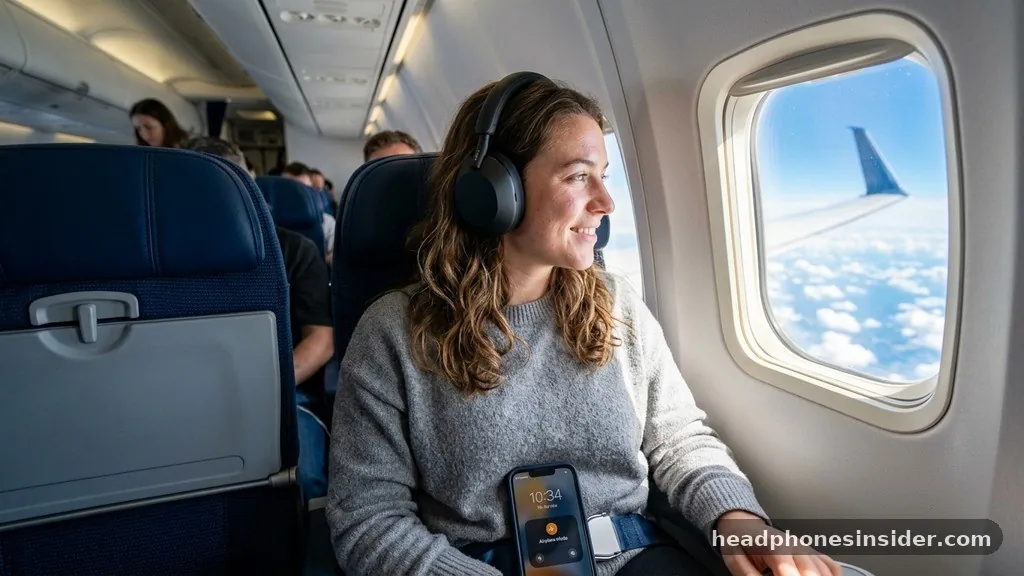
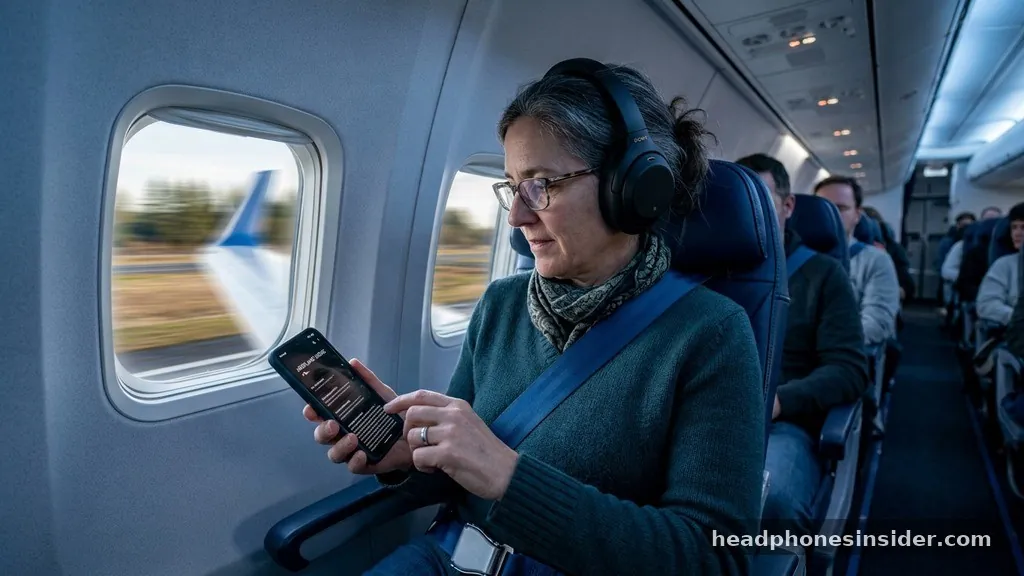
The short answer to whether you can use Bluetooth headphones on a plane is that yes, you are permitted to use them during all phases of flight, including takeoff and landing, as long as your phone or tablet is in airplane mode. Historically, the aviation industry maintained a cautious approach to personal electronics due to concerns about electromagnetic interference with the cockpit’s navigation and communication systems. However, as wireless technology has become more robust and shielded, regulatory bodies like the Federal Aviation Administration (FAA) and their international counterparts have updated their rules to reflect modern reality.
When you switch your smartphone or tablet to airplane mode, the device disables its cellular radio, which is the primary source of potential interference. Because Bluetooth operates on a very low-power, short-range frequency (2.4 GHz), it is widely considered safe for use in the cabin. The transition from strictly wired gear to the convenience of Bluetooth has been embraced by both passengers and airlines.
Most major carriers now actively encourage the use of personal electronics to help keep passengers entertained, which reduces the need for the airline to provide as many physical copies of magazines or printed menus. By keeping your device in the mandated mode, you ensure that you remain in compliance with safety protocols while still being able to listen to music, podcasts, or movies stored on your hardware.
Connecting to In-Flight Entertainment Systems
While using your bluetooth headphones with your own phone or tablet is straightforward, connecting them to the seat-back IFE (In-Flight Entertainment) system can be more challenging. Many aircraft, even those on long flights, feature seat-back screens that are not Bluetooth-enabled.
If you attempt to pair your headphones directly to these older systems, you will often find that the hardware simply lacks the necessary transmitter. This is where a bluetooth transmitter becomes an essential piece of travel gear.
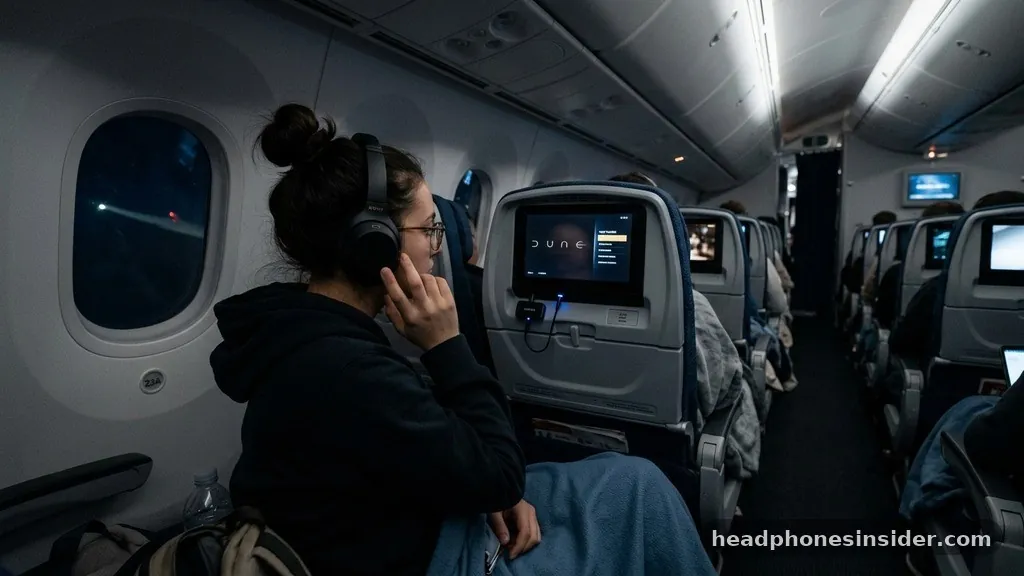
A portable Bluetooth transmitter is a small, inexpensive adapter that plugs into the standard 3.5mm headphone jack found on most armrests. Once plugged in, the device acts as a bridge, converting the wired audio output from the seat-back screen into a wireless signal that your headphones can detect. This allows you to enjoy the airline’s library of films and shows without being tethered to the seat by a cord.
When choosing an adapter, look for one with a long battery life, as some transatlantic or transpacific journeys can last for many hours. Having a reliable transmitter effectively bridges the gap between legacy hardware and modern wireless convenience, ensuring that your noise cancelling experience remains uninterrupted regardless of the airline’s built-in technology.
Safety Protocols for Takeoff and Landing
One of the most persistent myths regarding using bluetooth on aircraft is that you must turn off all wireless devices during the critical phases of takeoff and landing. In reality, current FAA guidelines state that as long as your phone, tablet, or laptop is in the correct flight-safe mode, you can continue to use your wireless accessories. The primary concern during these periods is not the signal from your headphones, but rather the need for passengers to remain attentive to cabin crew instructions.
The logic behind these rules is safety-oriented. In the unlikely event of an emergency during takeoff or landing, crew members need passengers to be able to hear instructions clearly. If you are wearing noise-cancelling headphones at high volume, you might miss a critical announcement.
Therefore, while the technology itself is permitted, it is considered best practice to keep one ear uncovered or lower your volume during these brief periods. By staying alert, you ensure that you are a responsible passenger who respects the safety environment of the cabin. Many experienced travelers keep their headphones around their necks during the initial ascent and descent, only putting them on once the plane has reached cruising altitude and the seatbelt sign has been switched off.
Comparison of Audio Connectivity Options
To help you decide which setup works best for your specific needs, it is helpful to compare the pros and cons of different audio connectivity methods while on a plane.
| Connection Type | Best For | Key Advantage | Main Drawback |
|---|---|---|---|
| Wired Headphones | Seat-back screens | No battery needed | Restricted movement |
| Bluetooth (Direct) | Personal devices | Total freedom | Needs device pairing |
| Bluetooth Transmitter | Seat-back screens | Wireless IFE audio | Requires extra hardware |
As shown in the table, each method serves a different purpose. For those who prioritize simplicity and do not want to carry extra gear, wired headphones remain a reliable backup. However, for those who value the comfort of their own pro-grade noise-cancelling gear, investing in a small transmitter is usually worth the effort.
It is also worth noting that some newer aircraft are beginning to integrate Bluetooth connectivity directly into the seat-back displays. You can often check your specific airline’s website or the [official FAA passenger information page](https://www.faa.gov/travelers/fly_smart/safer_flying) to see if your upcoming flight is equipped with the latest cabin technology.
Battery Management and Travel Essentials
When you rely on wireless technology for the duration of a trip, managing your battery life becomes a critical part of your journey. Many modern Bluetooth headphones offer excellent longevity, often lasting 20 to 30 hours on a single charge, which is sufficient for even the longest international routes. However, if you are planning a trip that involves multiple connections or significant layovers, you should ensure your gear is fully charged before you head to the airport.
In addition to your headphones, consider the power requirements of your secondary devices. If you are using a Bluetooth transmitter, it will have its own battery that needs to be topped off. Many travelers carry a portable power bank to charge their gear mid-flight if the seat-back USB port is slow or unavailable.
Another tip is to keep your charging cables in an easily accessible part of your carry-on bag. Having a dedicated “tech pouch” that contains your headphones, transmitter, charging cables, and a small power bank can make the process of settling into your seat much smoother. Remember that cold temperatures in the cabin can sometimes slightly impact lithium-ion battery performance, so keeping your devices in a warm pocket or bag is a small but effective trick for maintaining optimal charge.
Addressing Common Misconceptions
Despite the widespread adoption of wireless technology, many passengers still harbor concerns about whether they are truly allowed to use Bluetooth. These misconceptions often stem from outdated information or anecdotal stories from passengers who were told to turn off their devices years ago.
It is important to clarify that using bluetooth is a standard practice in modern aviation. The signal strength of a pair of headphones is negligible compared to the complex communication arrays on the aircraft.
Another common point of confusion involves the difference between Wi-Fi and Bluetooth. While some airlines provide onboard Wi-Fi for internet access, Bluetooth is a completely separate protocol that does not require an internet connection. You can use your Bluetooth headphones to listen to an offline movie on your tablet even if the plane’s Wi-Fi is disabled or unavailable.
Furthermore, the fear that Bluetooth will interfere with the pilot’s radio is unfounded, as those systems operate on entirely different, highly shielded frequencies that are designed to be immune to the low-power signals emitted by consumer electronics. By understanding these technical distinctions, you can feel confident in your choice to bring your favorite gear on board.
Final Thoughts on In-Flight Audio
Ultimately, the ability to use your own headphones significantly enhances the quality of your travel experience. Whether you are catching up on a new television series, listening to a favorite playlist, or simply trying to block out the ambient engine noise with high-end noise cancellation, these tools are essential for modern passengers. By preparing your equipment, keeping your devices in the proper modes, and carrying the right adapters, you can enjoy a seamless audio experience from takeoff to landing.
Always remember to check your specific airline’s policies if you are flying on a smaller regional jet or an older aircraft, as there can occasionally be exceptions, though these are becoming increasingly rare. Being well-prepared allows you to focus on the journey rather than the logistics of your electronics.
As aviation technology continues to advance, we can expect even more seamless integration between our personal devices and the aircraft’s systems, making long-haul travel more comfortable and personalized than ever before. Safe travels, and enjoy your onboard entertainment with the convenience of your preferred wireless setup.
Frequently Asked Questions
Can I use my Bluetooth headphones during takeoff and landing?
Yes, you can use Bluetooth headphones during all phases of flight, provided your phone or tablet is in airplane mode. Airlines have updated their regulations to allow the use of short-range wireless devices, as they do not interfere with the aircraft’s critical navigation or communication systems.
Do I need to turn off Bluetooth if the plane has Wi-Fi?
No, you do not need to turn off Bluetooth if the plane provides Wi-Fi. Bluetooth and Wi-Fi operate on different frequencies and serve different purposes. You can keep your Bluetooth headphones connected to your device while simultaneously using the onboard Wi-Fi to browse the internet or stream content.
What if my seat-back screen doesn’t support Bluetooth?
If your seat-back screen lacks built-in Bluetooth, you can use a portable Bluetooth transmitter. You plug this small device into the 3.5mm headphone jack on your armrest, and it will broadcast the audio from the entertainment system to your wireless headphones, allowing you to enjoy the content without wires.
Are there any restrictions on the type of headphones I can bring?
There are no specific restrictions on the brand or type of Bluetooth headphones you can bring on a plane. However, you should ensure that your device is in good working order and that you have enough battery life to last through your flight, as in-seat power is not always guaranteed.