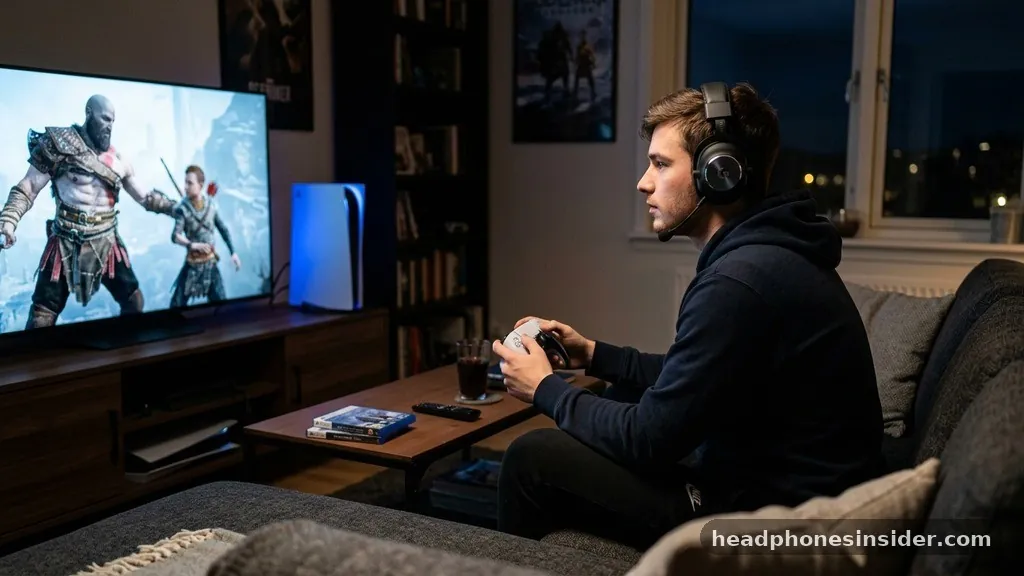
Navigating the audio ecosystem of the PlayStation 5 can be a source of significant frustration for many users, particularly when they discover that the console does not support direct Bluetooth audio connections for standard headphones. While many modern gaming consoles and mobile devices embrace universal wireless standards, Sony has taken a more restrictive approach with their current generation of hardware. If you are wondering whether you can connect Bluetooth headphones to PS5 consoles directly, the short answer is no, but there are several reliable workarounds that allow you to achieve the same result.
The PlayStation 5 utilizes a proprietary wireless technology for its official gaming headsets to ensure ultra-low latency, which is critical for competitive gameplay. Because standard Bluetooth headphones often introduce significant audio lag—where the sound you hear is slightly delayed compared to the action on the screen—Sony opted to disable native Bluetooth audio support for third-party devices. Understanding these limitations is the first step toward finding a solution that fits your specific gaming setup and budget.
Understanding the PlayStation 5 Wireless Audio Limitations
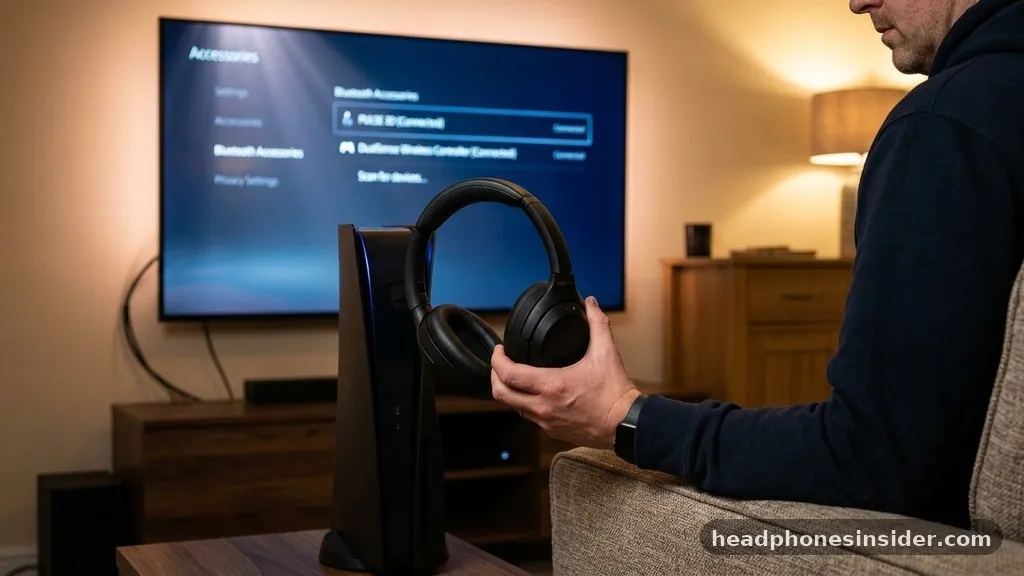
The primary reason you cannot simply pair your favorite pair of wireless headphones to the console is the lack of native support for the Bluetooth audio profile. While the console itself contains Bluetooth hardware, it is reserved exclusively for the DualSense wireless controllers and other specific peripherals. This design choice by Sony is intended to protect the integrity of the gaming experience by ensuring that audio processing remains within their controlled, low-latency ecosystem.
When you attempt to connect standard Bluetooth headphones to the console, the system will not recognize them as an audio output device. Even if you navigate through the system settings, you will find no option to scan for or pair with general-purpose wireless audio accessories. This can be confusing because many users assume that because the PS5 is a modern piece of technology, it should naturally support the same wireless standards found in smartphones and tablets.
Furthermore, the console’s software architecture prioritizes the connection stability of the controllers. By limiting the number of active Bluetooth connections, the system reduces the risk of signal interference.
For gamers who rely on high-fidelity audio, this limitation is a major hurdle, but it is not an insurmountable one. By understanding that the limitation is software-based rather than a lack of hardware, you can effectively bypass it using external hardware solutions that fool the console into thinking it is using a wired or official wireless device.
Using a USB Bluetooth Adapter for Seamless Connectivity
The most effective way to solve the connectivity issue is to use a dedicated USB Bluetooth adapter, also commonly referred to as a wireless transmitter. These small devices plug into one of the available USB-A or USB-C ports on your console and act as a bridge between your Bluetooth headphones and the PS5. By handling the Bluetooth pairing process themselves, these adapters bypass the console’s internal software restrictions.
When selecting an adapter, it is crucial to look for one that supports low-latency codecs such as aptX Low Latency or FastStream. These technologies minimize the delay between the audio source and your ears, which is essential for gaming. A standard Bluetooth transmitter might provide acceptable audio for movies or music, but you will likely notice a distracting lag during fast-paced games where timing is everything.
Most of these adapters operate as plug-and-play devices. Once inserted into the console, you simply put your headphones into pairing mode and sync them with the adapter.
The console will then treat the adapter as an external sound card or USB headset, allowing audio to flow through the adapter to your headphones. This method is generally stable and offers the most consistent audio experience for those who do not want to purchase a proprietary Sony-branded headset.
- Ensure the adapter supports the Bluetooth version used by your headphones.
- Check if the adapter requires a specific driver or if it is true plug-and-play.
- Look for models that include a microphone pass-through feature if you intend to use voice chat.
- Verify that the adapter is compatible with the specific USB port on your PS5 (Type-A vs. Type-C).
The Role of USB Transmitters in Gaming Audio
USB transmitters are essentially external sound cards that process audio data and convert it into a wireless signal for your headphones. Unlike a simple Bluetooth adapter, a high-quality transmitter is designed specifically for gaming consoles. These devices often offer better range, lower interference, and more reliable connectivity compared to generic Bluetooth dongles.
When you use a dedicated transmitter, the PS5 recognizes the device as an official audio peripheral. This is beneficial because it allows you to manage volume levels and audio output settings directly through the console’s quick menu. You are essentially tricking the system into thinking it is connected to a wired headset, which grants you full control over the audio mix, including game volume and party chat balance.
Another advantage of using a dedicated transmitter is the potential for better microphone quality. Many generic Bluetooth adapters do not support the high-bandwidth audio protocols required for clear voice communication.
Gaming-specific transmitters, however, are often built to support a “headset mode” that allows for both high-fidelity game audio and an active microphone channel for Discord or in-game communication. For a detailed guide on how these standards work, you can visit the official Bluetooth technology website to understand how different profiles affect audio performance.
Comparing Audio Connectivity Solutions
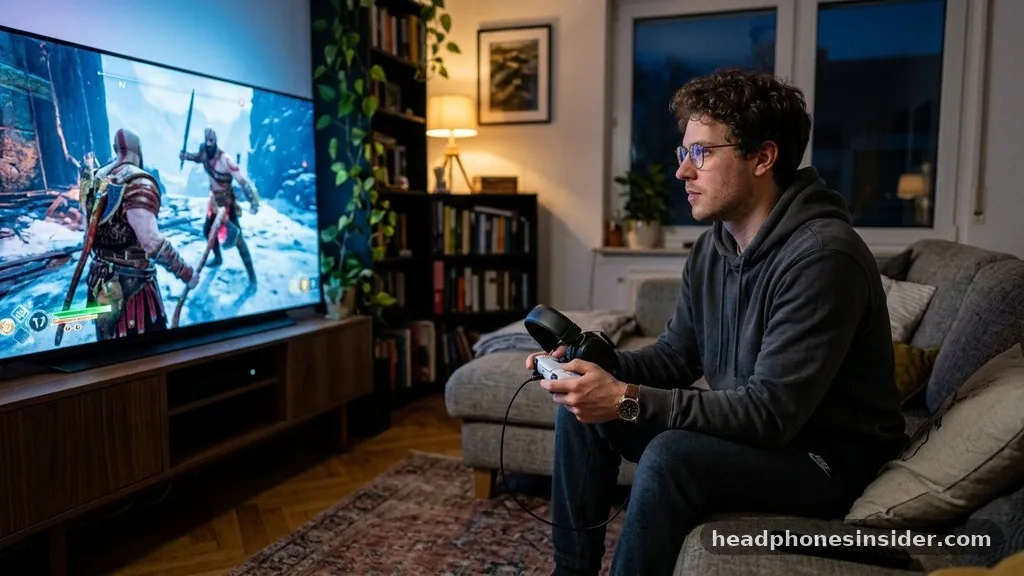
To help you decide which path is right for your gaming setup, the following table compares the most common methods for getting audio from your console to your ears. Each method has its own set of trade-offs regarding cost, audio quality, and ease of use.
| Connection Method | Audio Quality | Latency | Cost |
|---|---|---|---|
| Proprietary PS5 Headset | Excellent | Near-Zero | High |
| USB Bluetooth Adapter | Good | Variable | Low |
| Wired 3.5mm Connection | Excellent | Zero | Very Low |
| Smart TV Bluetooth Pairing | Average | High | Free |
As shown in the table, the wired connection remains the gold standard for latency, but the proprietary wireless headsets provide the best overall experience for those who prefer a cable-free setup. If you already own high-quality Bluetooth headphones, a USB adapter is the most cost-effective middle ground.
Connecting via Your Smart TV or Monitor
If you do not want to purchase an external adapter, there is another clever way to achieve wireless audio: connecting your headphones directly to your television. Many modern smart TVs have built-in Bluetooth support and allow you to pair wireless headphones to the television’s audio output. Since the PS5 sends audio to the TV via the HDMI cable, the TV then forwards that audio to your paired headphones.
This method is completely free and requires no extra hardware. However, it does come with a significant caveat: latency.
Because the audio signal must travel from the console to the TV, and then from the TV to your headphones, you may experience a noticeable delay. This is often perfectly acceptable for narrative-driven games or cinematic experiences, but it can be frustratingly slow for competitive shooters or fighting games.
Furthermore, when you connect through your TV, you might lose the ability to use your headset’s microphone for in-game chat. The TV’s Bluetooth connection is typically designed for one-way audio (listening only), meaning your voice will not be captured by the system. This solution is best suited for solo players who prioritize comfort and convenience over competitive performance and voice communication.
Advanced Considerations for Microphone Functionality
One of the biggest hurdles when trying to connect Bluetooth headphones to PS5 systems is the microphone. Even if you manage to get game audio through a generic Bluetooth dongle, the microphone often remains inactive or suffers from poor quality. This is because the Bluetooth standard has limited bandwidth; when it is forced to carry high-quality stereo sound, there is often not enough room left in the data stream for high-quality voice input.
If you are a competitive gamer who relies on communication, you may find that the best approach is to use a separate USB microphone or to keep the DualSense controller nearby. The controller has an integrated microphone that is surprisingly capable.
You can wear your Bluetooth headphones for game audio while using the controller’s built-in microphone for chat. This “hybrid” setup is a popular choice for gamers who don’t want to invest in a brand-new, platform-specific gaming headset but still need to coordinate with their squad.
If you are dead-set on having a single-device solution, you must ensure that your Bluetooth adapter supports the HFP (Hands-Free Profile) and that your headphones are compatible with it. Some premium gaming-focused Bluetooth earbuds and headphones are designed to handle both audio and microphone data simultaneously, but these are often more expensive and require specific hardware support to function correctly on the PlayStation platform.
Addressing Frequently Asked Questions
Can I connect my AirPods to my PS5?
You cannot connect AirPods directly to the console because the PS5 does not support standard Bluetooth audio. You will need a USB Bluetooth adapter to act as an intermediary, which will allow you to pair your AirPods to the adapter while the adapter is plugged into the console.
Why does Sony restrict Bluetooth audio on the PS5?
Sony restricts direct Bluetooth audio to ensure that users have the best possible experience with the official Pulse 3D or Pulse Elite headsets. By controlling the wireless protocol, they eliminate the audio lag and connection instability that are common with third-party, general-purpose Bluetooth headphones.
Will my wireless gaming headset work if it uses a USB dongle?
Yes, any wireless gaming headset that comes with its own dedicated USB transmitter will work perfectly. These headsets use their own proprietary 2.4GHz wireless connection, which is not affected by the console’s Bluetooth restrictions. Simply plug the included USB dongle into the console, and it should pair automatically.
Can I use my Bluetooth headphones for voice chat?
Using Bluetooth headphones for voice chat is difficult due to bandwidth limitations. Most generic Bluetooth adapters will only provide game audio. To use a microphone, you either need an adapter that specifically supports “Headset Mode” or you must use the microphone built into your DualSense controller.
In summary, while the PlayStation 5 does not natively support the direct connection of Bluetooth headphones, you have several reliable ways to overcome this limitation. Whether you choose to invest in a dedicated USB Bluetooth adapter for low-latency performance, utilize your television’s built-in Bluetooth capabilities, or stick with a wired connection for the best possible audio fidelity, you can enjoy your favorite games without being tethered to your console. The key is to select a method that balances your personal needs for audio quality, latency, and budget.
If you are ready to upgrade your audio experience, start by exploring the specific requirements of your current headphones and consider which adapter or connection style aligns best with your gaming habits. We hope this guide has clarified the options available to you and helps you get back to your game with the perfect sound setup.